 Sonic Vortix

Shuttle
Program changes and bank select for your MIDI hardware. Shuttle doesn't need to know your device: you choose where the messages go, on which MIDI channel, and how your device expects its banks.
Two versions
Pick the one for your setup
These are two separate App Store apps, each its own purchase. Buying one doesn't include the other.
Shuttle for iPhone + iPad
Standalone app.
- Connects over USB, network MIDI and Bluetooth LE MIDI
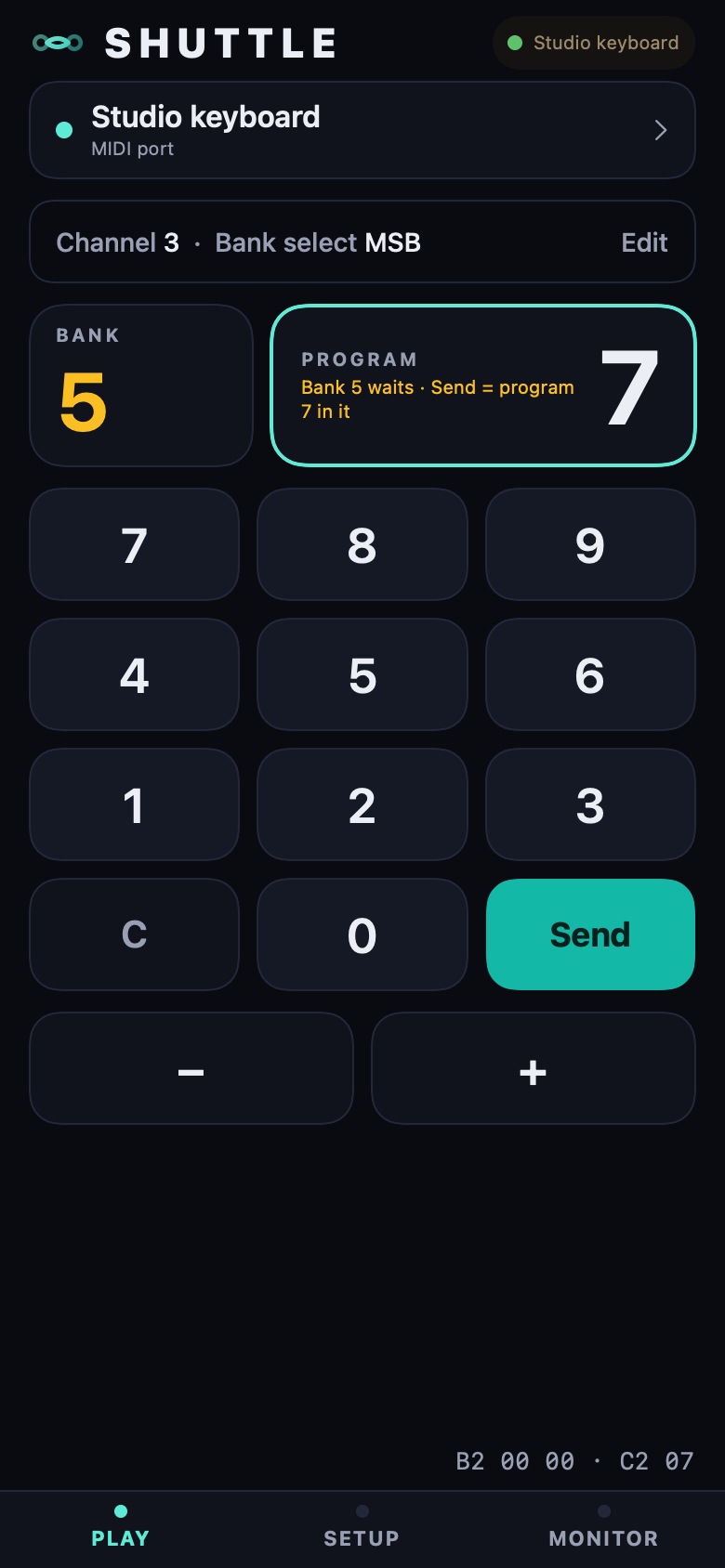
- Keypad that sends as soon as the number is complete, or after a short pause (optional)
- Bank select for your device's own bank scheme
- Program numbers 0–127 or 1–128, to match your device's display
- Minus and plus to step through programs
- MIDI monitor
Shuttle Desktop
Standalone app + Audio Unit (AUv3) MIDI FX plugin for Logic Pro.
- Automate program and bank changes in Logic
- Each plugin on a track has its own MIDI output and channel
- Settings are saved in your Logic project
- Same keypad and sending settings as on iPhone
- Designed for Logic Pro
Before you buy
What you need
iPhone and iPad have no MIDI port, so you need one of the connections below to reach your device.
iPhone / iPad
iOS 17 or later, and one way to reach your device: a class-compliant USB MIDI interface, a Bluetooth LE MIDI adapter, or a network MIDI host (a Mac, or a Raspberry Pi with Shuttle Bridge).
Mac
macOS 14 or later, Logic Pro for the plugin, and a MIDI interface the Mac recognises or a network MIDI host.
Your MIDI device
It must accept MIDI Program Change; for banks, Bank Select. See the guide.
Screens
One screen for playing, one for setup
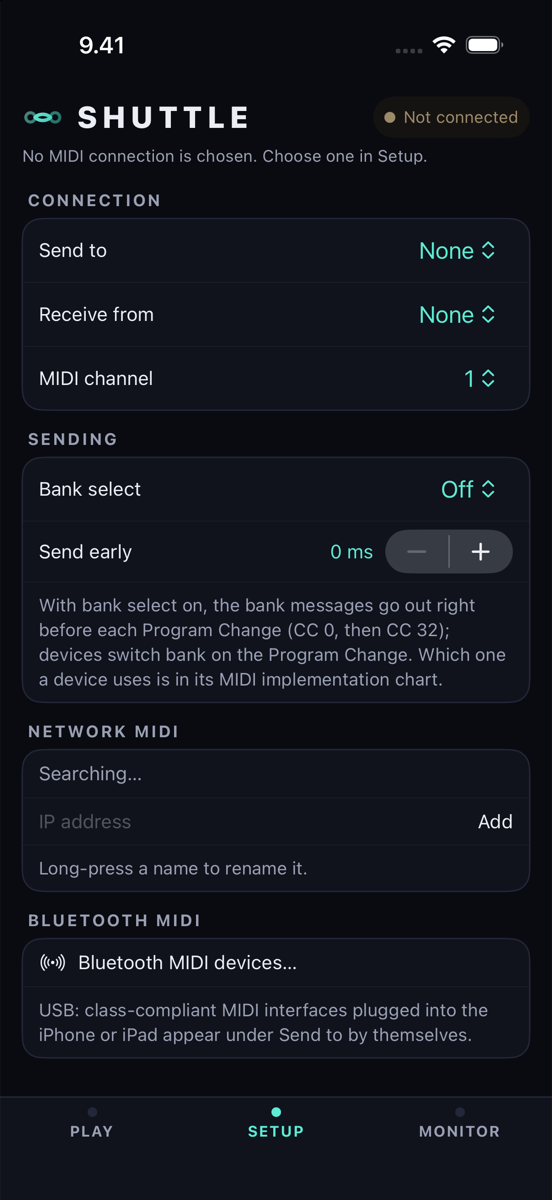
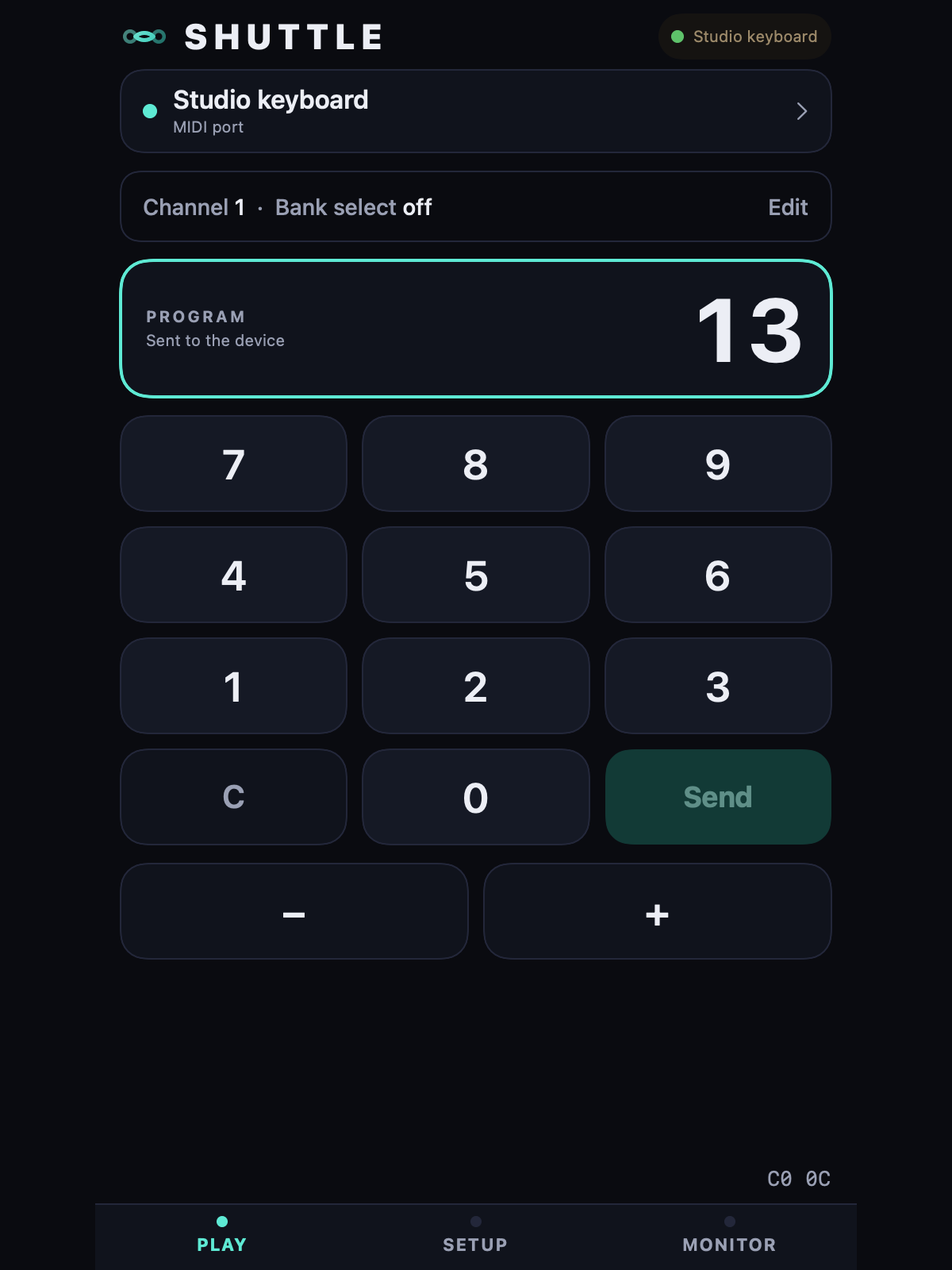
Current development build for iPhone and iPad. May change before release. Mac screens will follow.
Connections
How Shuttle reaches your device
USB
A class-compliant USB MIDI interface plugged into your iPhone or iPad, with Apple's USB adapter if needed. Its MIDI OUT goes to your device's MIDI IN.
Network MIDI
RTP-MIDI to a host on your local network: a Raspberry Pi with Shuttle Bridge, or a Mac with network MIDI turned on.
Bluetooth MIDI
Bluetooth LE MIDI devices, paired from Setup.
Companion downloads
Network MIDI from a Raspberry Pi
Shuttle Bridge turns a Raspberry Pi into a network MIDI bridge: every MIDI port the Pi sees appears on your network as its own host, both directions, at boot and whenever you plug a device in.
Shuttle Bridge for Raspberry Pi
Packages, install instructions and source code are on the Downloads page.
Mac
No companion app is needed. Set up a network MIDI session in Audio MIDI Setup and route it to your MIDI interface. Follow the Mac setup instructions.